Hugo 博客搭建指南

系列 - 博客搭建指南
目录
使用 Hugo DoIt 主题和 Cloudflare Pages 搭建个人博客的完整指南。
1 预先要求
-
建议安装 Hugo Extended 版本。
2 步骤
2.1 初始化
-
在本地初始化博客:
hugo new site myblog cd myblog git init git submodule add https://github.com/HEIGE-PCloud/DoIt.git themes/DoIt git add . git commit -m "Initial commit" -
初始化配置文件:
- 删除根目录的
hugo.toml文件 - 把
themes/DoIt/exampleSite/config文件夹复制到博客根目录 - 修改根目录的
config/_default/hugo.toml文件,将themesDir = "../.."删去。
- 删除根目录的
-
创建第一篇博客文章:
hugo new posts/my-first-post.md -
根目录下执行:
hugo server -
打开浏览器,访问
http://localhost:1313查看博客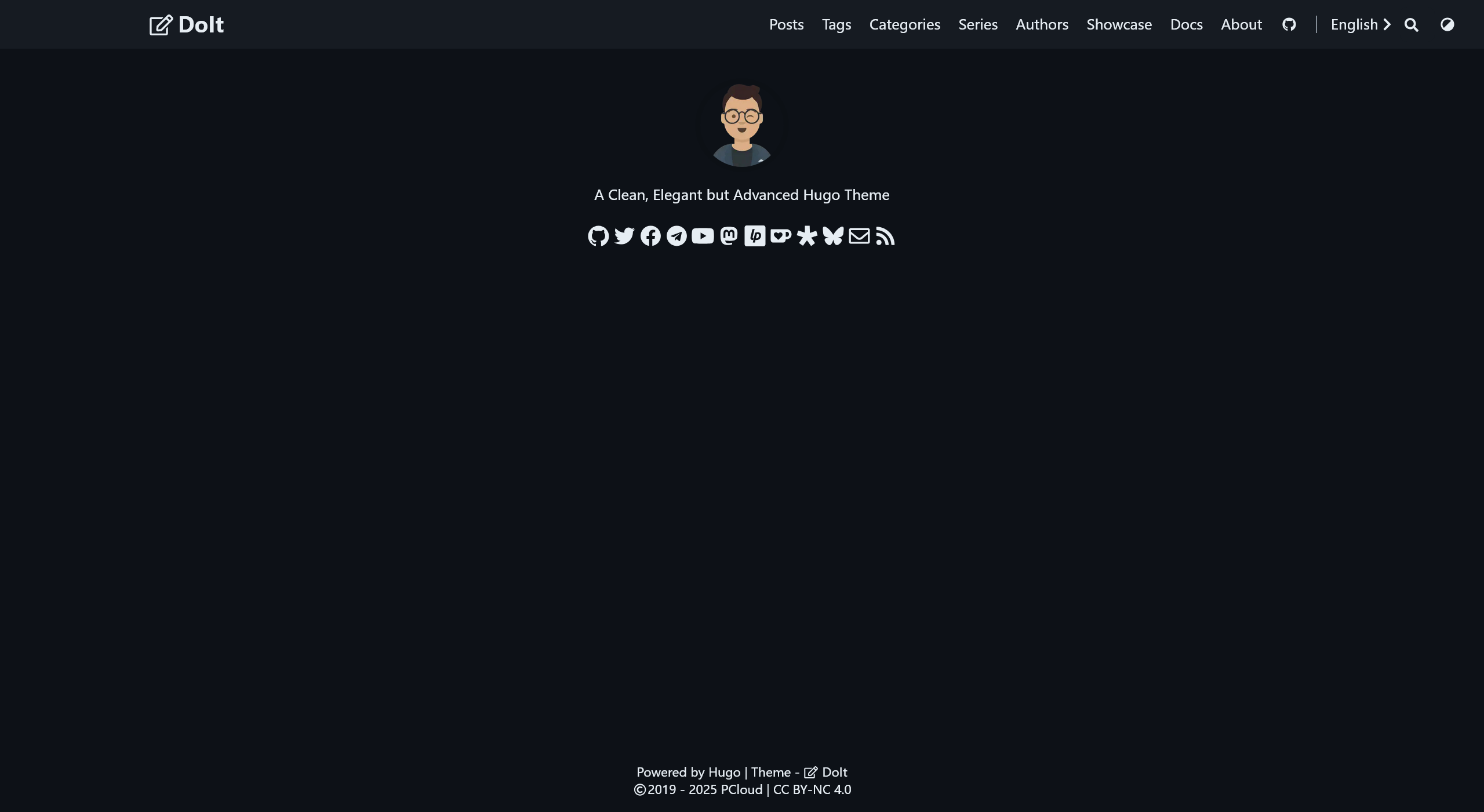
2.2 配置
详见 DoIt 主题文档
2.3 部署
2.3.1 GitHub
2.3.2 Cloudflare
与 Hexo 博客搭建指南#Cloudflare 基本一致,注意:
- 构建命令为
hugo,构建输出目录为public。 - 构建系统版本为
版本 3。
2.4 其它功能
2.4.1 评论
与 Hexo 博客搭建指南#评论功能 基本一致